Free QR codes that never expire.
No sign-up, no watermark, no scan limits. Made in your browser and checked before you download.
Already printed one? Check if your QR code will expire →
Will this link change after printing, or do you want scan counts?
Guests point their camera at it and join without typing. The password stays on this page and isn't saved.
Include the country code so it works for visitors from abroad.
More details work and home phone, fax, address, birthday, notes
Every field makes the code denser. Add what people need, and print it bigger when it's long. MeCard leaves out the job title and phone types.
Check the address twice: payments can't be reversed. On printed codes in public places, check now and then that nobody has stuck another code over yours.
Opens in Google Maps or the phone's maps app. For an exact spot, use coordinates: in Google Maps, press and hold the spot and copy the numbers.
Scanning offers to add it to the calendar, in the scanner's local time. Without an end, it lasts an hour.
For UPI apps in India: Google Pay, PhonePe, Paytm, BHIM. Pay yourself a small amount first to check it.
Opens the box for leaving a Google review of your business.
Made on this page. Nothing you type is sent anywhere.
Other formats
Might this link change after you print it? A Dynamic code lets you change where it goes without reprinting, and counts every scan.
Why these never expire
Many "free" generators give you a code that points to their own short link. When the trial ends, the link stops, and so does every code you printed. Here, your address, Wi-Fi details or contact card is written into the code itself. There's nothing in between to switch off.
Checked before you download
Two QR readers test every design, like a phone camera would. If something makes it hard to scan, you get a one-tap fix.
The right file for the job
Tell us where it's going and get the right format and size: PNG for screens, vector for print, CMYK with bleed for print shops.
Any logo file
PNG, JPG, SVG, PDF, Illustrator, EPS and TIFF. Empty margins are trimmed for you.
Private by design
No account and no tracking. Wi-Fi passwords and contact details never leave this page.
No watermark, ever
Use your codes on menus, packaging, signs and ads, commercially, at no cost.
14 kinds of code
Links, Wi-Fi, WhatsApp, contact cards, events, Google reviews, UPI and crypto payments, social profiles and more.
Static or Dynamic?
Both are QR codes. The difference is what's inside.
QR Studio on QR Code Spot
Want a badge, not just a code?
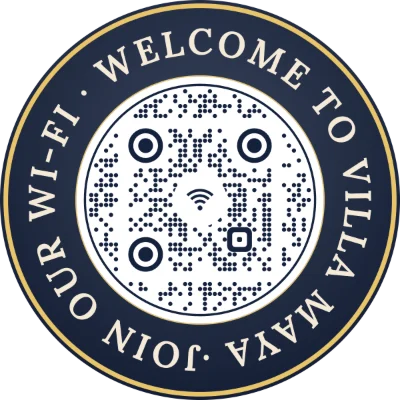
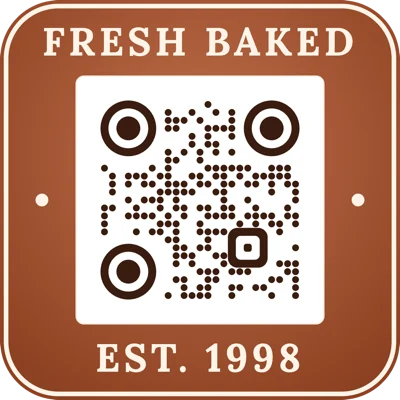
Curved text around the code, seal and rosette shapes and 30+ fonts, as an editable code you can track. Your design here comes with you.



Questions
Will my existing QR code expire?
Check it with our free QR code checker: it reads any code from a photo or your camera and tells you whether it depends on a trial or subscription that can switch it off. If it does, it helps you make a replacement that doesn't.
Do QR codes made here expire?
No. A static code holds your content directly, so it works for as long as that content does: a website that's still online, a Wi-Fi network with the same name and password, and so on. There's no account or subscription behind it.
Is there a scan limit?
No. Scanning a static code never contacts us, so there's nothing to count or limit.
Can I use these codes commercially?
Yes, for anything: menus, packaging, flyers, business cards, signs and ads. No credit or watermark needed.
Do you store what I type?
No. The code is made in your browser and nothing you type is sent to a server. Your work is remembered in this browser only, so it's there when you come back (Wi-Fi passwords excepted).
Which file should I download?
Step 3 picks for you. In short: PNG for screens, websites and documents; SVG or PDF for anything printed, because they stay sharp at any size; the Print PDF (CMYK with bleed and crop marks) when a print shop asks for print-ready artwork.
Why can't I change the link after printing?
Because it's written into the pattern itself. That's what makes it permanent. If you need to change it later, use a Dynamic code: it holds a short link you can point anywhere, and it counts scans.
What happens when I press Dynamic?
You go to QR Code Spot, which makes this site. Sign up or sign in, and your link and design open in QR Studio, ready to save as an editable code.
Who runs QR Never Expires, and how do I contact you?
QR Never Expires is run by the team behind QR Code Spot. For any question or feedback, email support@qrcodespot.com.
My code won't scan. What can I do?
The check under the code tells you why and offers a fix: darker colours, a smaller logo or plainer dots. Print it at least as wide as the size shown under the Download button.